
OpenSWOS
A downloadable game for Windows, macOS, Linux, and Android
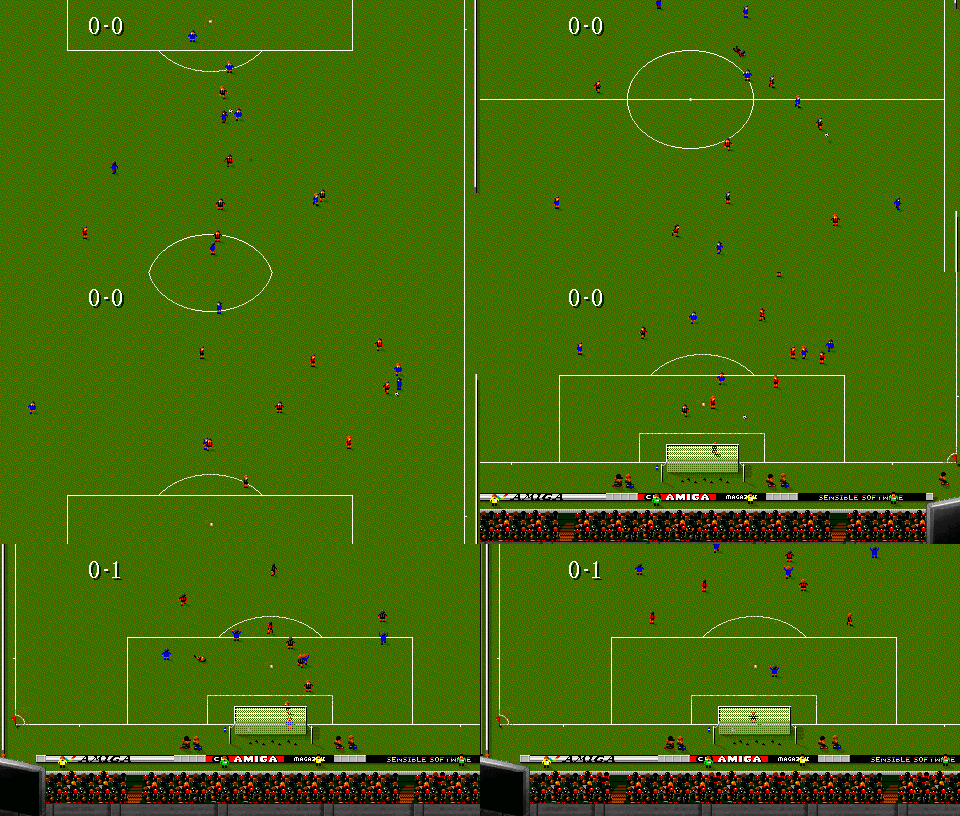
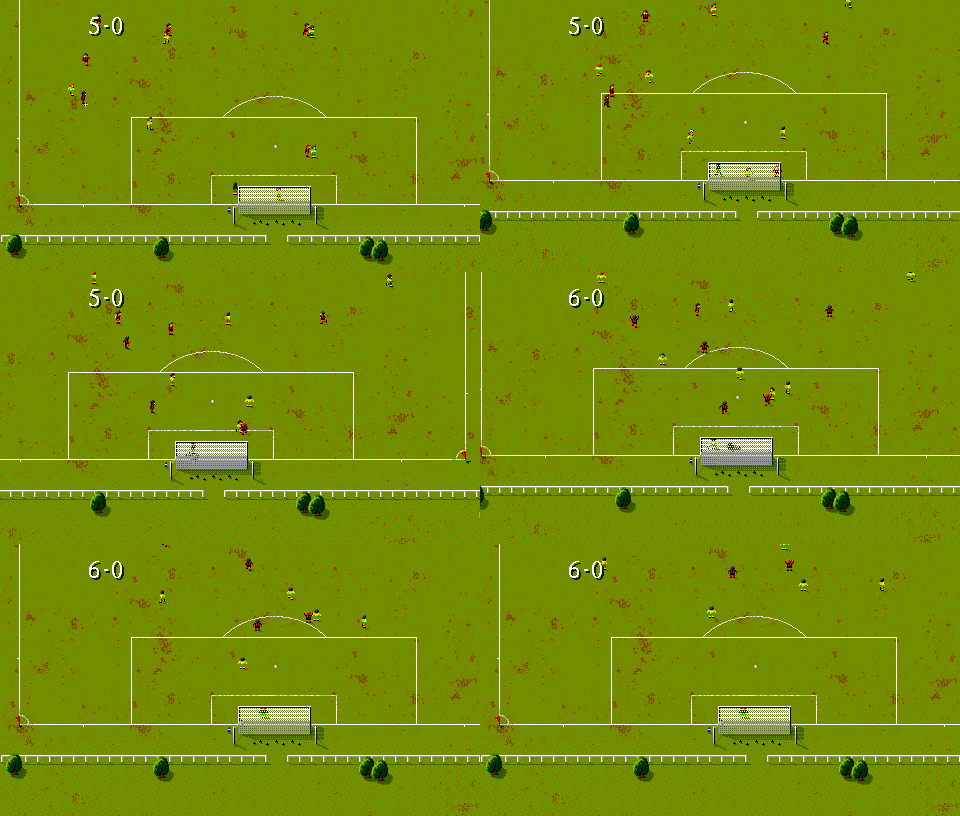
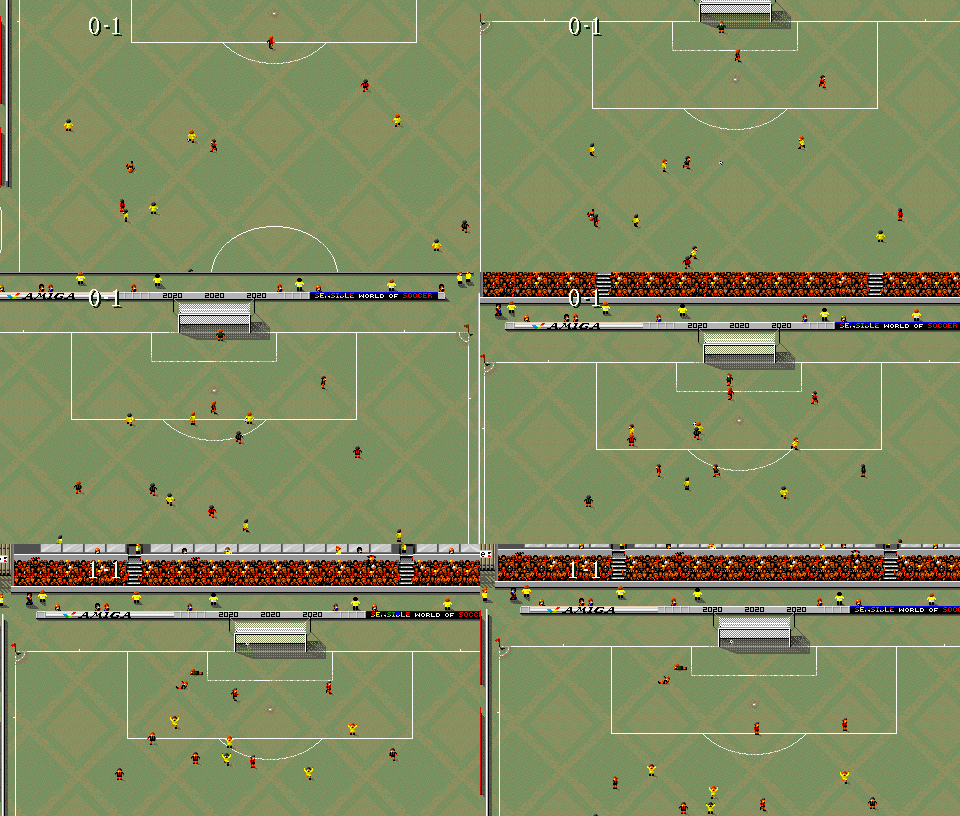
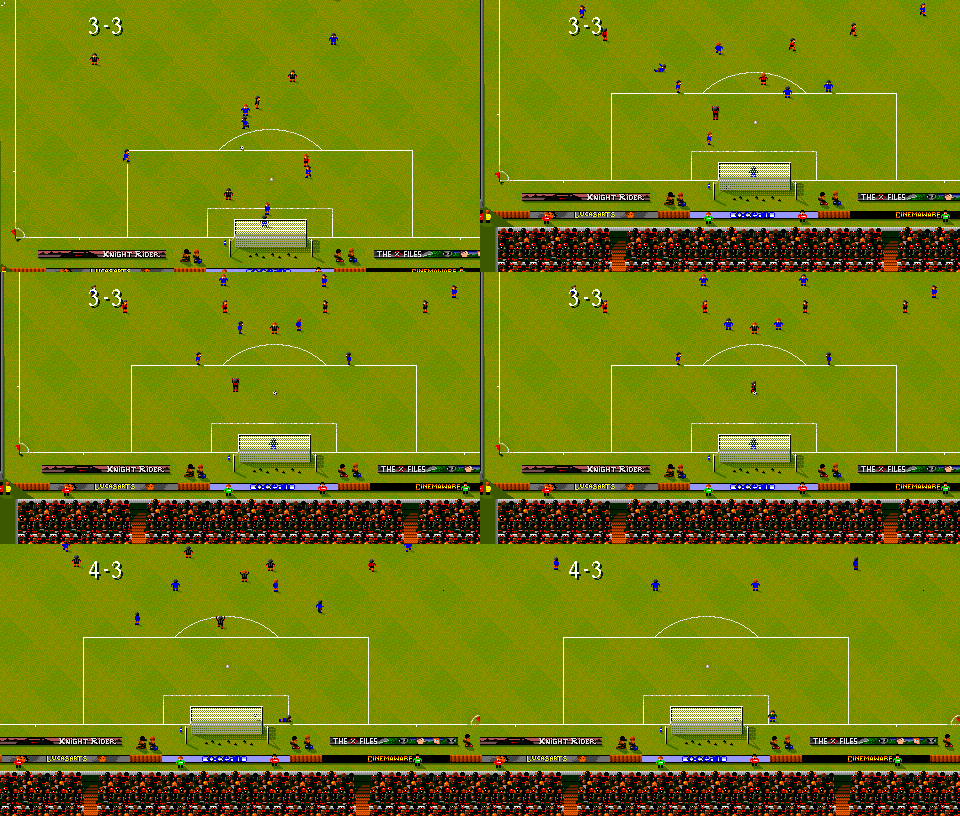
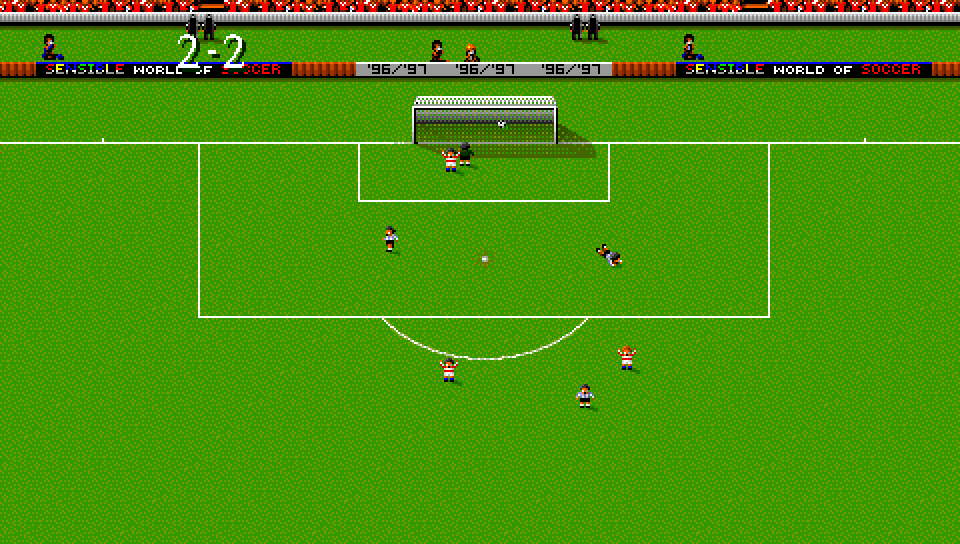
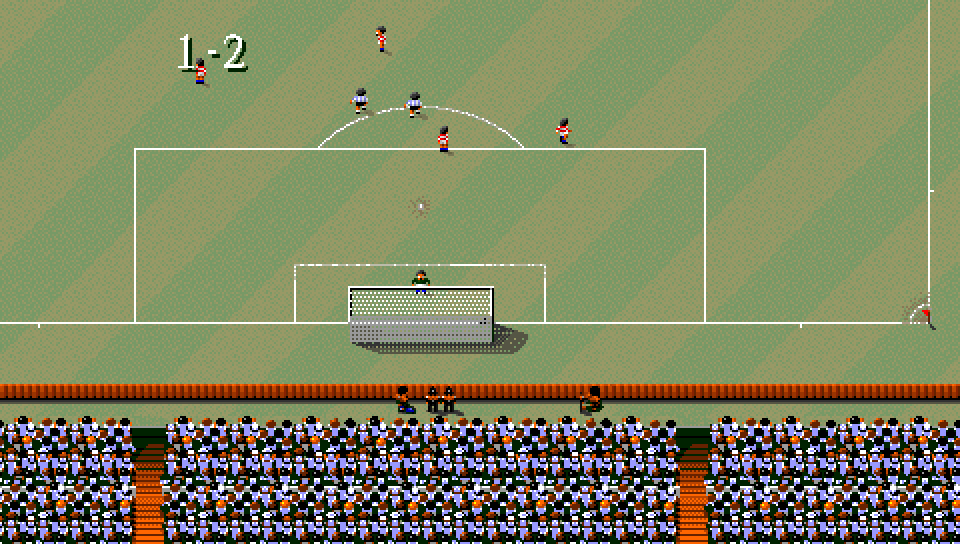
Sensible World of Soccer, rebuilt. OpenSWOS is the original Amiga game rewritten in C, so the same game runs on Windows, macOS, Linux, the Raspberry Pi and the Amiga itself.
Same game, same feel: it aims to play exactly like the original Amiga release, now with online multiplayer.

Features
- The full game: friendlies, competitions, seasons and the 20-year career
- Online multiplayer with rollback netcode (GGPO-X), and whole-match replays
- Runs natively on an AGA Amiga (A1200/A4000, 68020 or better) as well as on modern systems
- Widescreen, CRT effects, gamepad support, and the PC (DOS) version's sound and graphics as options
- Free and open source under the GPL v3
You need your own copy of the game
OpenSWOS doesn't include Sensible World of Soccer's graphics, sound or teams. Instead, OpenSWOS Setup makes them from a copy you own. You only do this once, and nothing is downloaded. Either of these is enough:
- The PC version (easiest): buy it on GOG and install it.
- The Amiga version: disk images (.adf) of your two SWOS 96/97 floppies.
Have both? Then you get the Amiga's music, sound and loading screens as well as the PC's commentary. The Amiga version of OpenSWOS needs both.
Optional extras: the Atari Jaguar cartridge image (Sensible Soccer International Edition) for the Jaguar's player sprites, and a SWOS 2020 install for its pitches.
Which download?
- Windows: SWOS-Setup.exe
- Mac (Apple silicon or Intel): SWOS-macOS-app.zip
- Linux (PC or Raspberry Pi): SWOS-portable.zip, plus OpenSWOS-Setup.zip for the setup
- Amiga (A1200/A4000 or an emulator): SWOS-Amiga.zip, plus OpenSWOS-Setup.zip to run on a PC or Mac
Or play it in your browser, no install needed.
The only official downloads are this page and openswos.net. OpenSWOS is free, and will never ask you to pay or sign up anywhere else.
How to install
There's a step-by-step guide with pictures. In short:
- Install the game.
- Windows: run SWOS-Setup.exe. If Windows says "Windows protected your PC", click More info, then Run anyway (OpenSWOS isn't signed). On the last page, leave "Set up the game data" ticked and OpenSWOS Setup opens.
- Mac: unzip it and drag the OpenSWOS folder to Applications, then open "OpenSWOS Setup.app". The first time, right-click it and choose Open (it isn't signed by Apple).
- Linux: unzip SWOS-portable.zip into a folder of its own. Unzip OpenSWOS-Setup.zip and run Linux/openswos-setup.
- Amiga: unzip SWOS-Amiga.zip (it's a SWOS drawer). Unzip OpenSWOS-Setup.zip and run the setup for your PC or Mac.
- Find your game. In OpenSWOS Setup, click "Choose a folder..." and pick the folder your game is in. It searches that folder and everything inside it, and puts a green tick by everything it finds. Pick anything it missed by hand with the "..." button beside it.
- Click Install. When it says Done, you're ready.
- Amiga only: under "Amiga version", click Browse..., pick the SWOS drawer and click "Add the game data". Then copy the drawer to your Amiga's hard drive (or to FS-UAE's or WinUAE's) and double-click SWOS.
- Play! Start OpenSWOS from the Start menu (Windows), SWOS.app (Mac; right-click and choose Open the first time), or SWOS.x86_64 / SWOS.aarch64 (Linux / 64-bit Raspberry Pi).
Your saves and settings live in Documents\SWOS (Windows), ~/Library/Application Support/SWOS (Mac) or ~/.swos (Linux). Updating OpenSWOS never touches them.
Support development
OpenSWOS is free. If you enjoy it, a donation when you download helps me keep improving it and fixing bugs. You can also support it on:
Source code
OpenSWOS is open source under the GPL v3: github.com/benbaker76/OpenSWOS
Credits
Sensible World of Soccer by Sensible Software, published by Renegade. Producer Graeme Boxall; programmer Chris Chapman; graphics Jon Hare and Stoo Cambridge; music and sound Alex Joseph, Graham King, Jason Page, Jon Hare and Richard Joseph.
OpenSWOS: port to C, reverse engineering and AGA by benbaker76 (DOS reverse engineering by zkz); multiplayer (GGPO-X) by thd79; server help by Redhair; test lead Playaveli. Thanks to every beta tester and donor.
"Sensible World of Soccer" © 1994-97 Sensible Software. OpenSWOS is a fan project and is not affiliated with Sensible Software or its current rights holders.

Download
Click download now to get access to the following files:
Development log
- A new setup, phones over Wi-Fi, and handhelds11 days ago
- OpenSWOS on Android and iPhone, and World 2026-27 in the options12 days ago
- OpenSWOS ac11f9f9: lobby chat, a frame delay switch, and fixes14 days ago
- OpenSWOS 3881f54b – smoother online play, phone keyboard and fixes from your r...15 days ago
- Online play no longer needs the exact same build19 days ago
- Setup Updates19 days ago
- First public release25 days ago
Comments
Log in with itch.io to leave a comment.
Good news I resolved my MacOS install problems by running the PC version of the setup via Wine. It worked perfectly so a good solution to stop MacOS later versions interfering :-)
Why would you run it in Wine when it runs natively on macOS?
I was making the build for my Amiga 1200 on my Mac. When I have tried running on Installer on the Mac I keep getting the ‘MacOS is trying to run from a hidden location’ error. I did overcome it with a little help from AI giving me some new commands for the terminal to ‘unquarantine’ the app however this has to be done every time there’s a new build.
xattr -d com.apple.quarantine "$HOME/Desktop/OpenSWOS-Setup/macOS/OpenSWOS Setup.app"
Are others having this issue?
I have been using Wine only because the Mac installer has not been straight forward.
It’s great that you’ve done this work and looking forward to online gaming again soon.
Help appreciated.
I just played the Mac native version without issue.
MacOS version works fine for me too after the last update.
Yeah, it's great. I do have some Mac native thoughts, but to just jump in and play a game, easy as pie.
Hi, Thanks for this! I have been trying without success to run the installer on my Mac to create a version for my physical Amiga. I have tried moving the install app however I just keep getting "MacOS is running this app from a hidden location". I have moved the installer to the Desktop and also Applications directory but keep getting the same error. Can you help me please as I'ld to get this up and running?
I am downloading the "openswos-setup-windows-mac-linux.zip" and then running the installer inside the MaxOS folder. It is the unzipped version of this downloaded folder I am moving the Desktop or Applications folder.
Thanks in advance. I love that you have done this.
Rob
Why are you in the Amiga tab when you're targeting the Mac? Wrong tab. It runs natively on macOS so you don't need Wine!
I was making the build for my Amiga 1200 on my Mac. When I have tried running on Installer on the Mac I keep getting the ‘MacOS is trying to run from a hidden location’ error. I did overcome it with a little help from AI giving me some new commands for the terminal to ‘unquarantine’ the app however this has to be done every time there’s a new build. Are others having this issue?
I have been using Wine only because the Mac installer has not been straight forward.
It’s great that you’ve done this work and looking forward to online gaming again soon.
Help appreciated.
I’ve downloaded pcjag files , have pc sound in recommended folders done with openswos. How do you get pc sound to work in game , there’s no option for it , options for graphics but not sound😘
Currently you can only set it in the SWOS.ini file but I will add more of the options inside the game in a future update
Well thanks...
You're welcome :)
I followed all the steps for WinUAE, but the screen stays on the intro/presentation and the menu doesn't load.
Hi baker76, could you please just clarify this :
You say the Amiga version requires both PC version of the game and the 2 adf files. Can you please clarify what is used from the PC version and what is used from the adf ?
Regarding the windows / linux / MacOS version, can we simply use the adf files and get a standard version of the original game instead of the one which gets improved gfxs from the PC version ?
It's a bit unclear.
Though, I must say, congrats, that's a super nice achievement !
Thanks
Olivier.
The Amiga version needs audio and music from the adf/hdf and graphics from the DOS version.
You can play the Amiga version on Windows / Linux / macOS without the DOS version since it supports both Amiga and DOS audio and graphics.
I hope that clears it up for you!
The Github has Claude mentioned, but here it says no GenAI was used. Could you clarify the situation with that? Cheers
Thanks I've updated the page
Thanks. Shared on Lemmy - https://sopuli.xyz/post/53494936
Hi ! thanks for this awesome version !
I am trying to create the amiga folder on a Mac, choosing my twos game folder I copied from the PC and the 2 add files, but when I try to run the process I keep getting an error - glyphs.txt is missing, any help would be great ! Thanks !
Thanks for reporting! This is most likely macOS running OpenSWOS Setup from a temporary copy, where it can't see its own files. Try this:
1. In Finder, move the whole OpenSWOS-Setup folder (the one you unzipped, not just the app) somewhere else, e.g. your Documents folder.
2. Open macOS/OpenSWOS Setup.app from its new place (right-click > Open the first time).
If it still says glyphs.txt is missing, open Terminal and run this, then try again:
xattr -dr com.apple.quarantine ~/Documents/OpenSWOS-Setup
(change the path if you put the folder somewhere else). If that doesn't help either, please tell me where the folder is and which file you opened.
Thanks for the reply ! I put the macOS folder on the desktop, ran the terminal command on the app and opened it with right click, I put all other files on the Desktop too... I chose the PC game folder and the 2 ADF images, but again, when I run the process I am getting the same error, now I re-opened the app and this message appears inside...
The setup download for all systems doesn't have the actual Mac SWOS app, that is why it gave the error, but I opened the setup from the - openswos-mac-app.zip and it worked now ! Thanks !
Yeah I really need to make the setup simpler.
banging! :) https://www.indieretronews.com/2026/10/sensible-world-of-soccer-9697-aga.html
Awesome! :)